
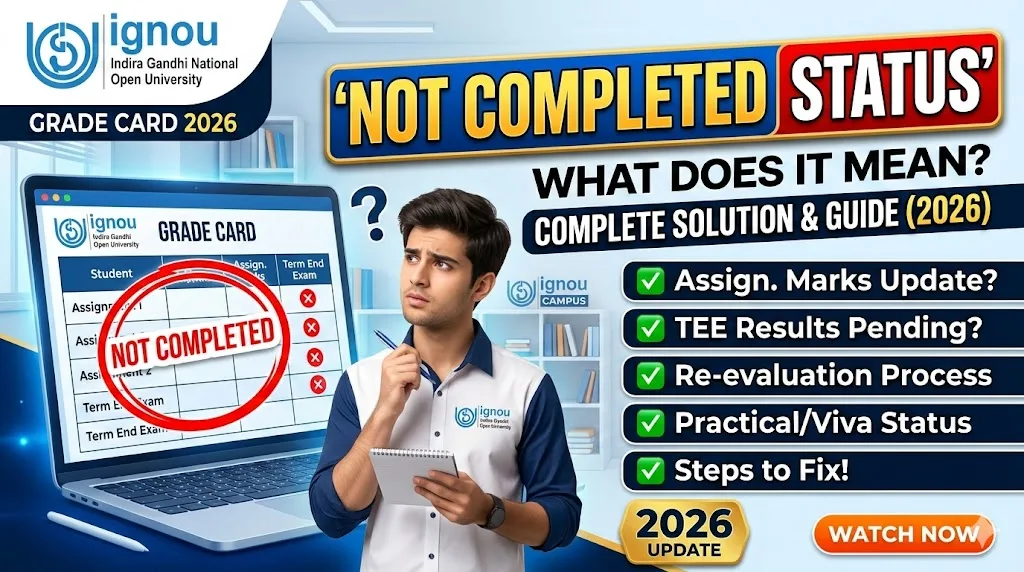
The IGNOU grade card is the official Online mark sheet issued by Indira Gandhi National Open University after the Compeletion Of term-end examination. After The Result Is Decleared The GRADE Card Is Updated, It shows subject-wise grades And marks , assignment marks, and the overall status of your course for that semester of The Student . Students can check it online through the official IGNOU result portal And The Link Given Below .
Meaning Of “Not Completed” Status Of IGNOU Grade Card?
The Not Completed status on your IGNOU grade card means that your result for one or more subjects is still incomplete. This Status Does not mean you have failed The Examination . This Status Means that some part of your subject evaluation e.g Assignment Or Result is pending or missing.
This Not Completed status can be seen due to several reasons related to assignments, exam performance, or administrative processes. Understanding the exact reason helps you take the right action quickly so that ststus will get updated to Completed.
Common Reasons for Not Completed Status
| Reason | Explanation |
|---|---|
| Assignment Not Submitted | You did not have submit your assignment before the Last Date or it was not received by the study centre in Time |
| Assignment Orginal Marks Not Updated | You submitted the assignment but marks have not beenUpdated into the Server Yet |
| Absent in Term-End Exam | You Were Absent for the theory or practical exam for that subject |
| Below Passing Marks in Assignment | Your assignment score is too low to complete the eligibility criteria |
| Data Entry Error | A technical or administrative error at the university’s end Will Be Solved Soon |
How IGNOU Calculates Final Result
IGNOU follows a combined evaluation system where both assignment marks and term-end exam marks are required to declare the final result and get updated on the Grade Card .
| Component | Weightage | Minimum Required |
|---|---|---|
| Assignment (IA) | 30% | Pass in each TMA |
| Term-End Exam (TEE) | 70% | Minimum 35% in exam |
| Combined Result | 100% | Both components must qualify |
| Grade Card Status | Final | Shows only after both entries are updated |
If either of these two components is missing or below the required minimum, your grade card will show Not Completed instead of a pass or fail grade.
Step-by-Step Solution for Not Completed Status
- First, Browse to the official IGNOU Grade Card result portal and note The subjects That show the Not Completed status.
- Check whether you submitted assignments for those subjects or Not . Keep your assignment receipt or submission acknowledgement ready in case of denial .
- Contact your regional centre or study centre and ask them to verify whether your assignment marks have been sent to the headquarters for updation .
- If you were absent in the examination , you will need to re-register for the term-end examination in the next available session to get the Status Updated.
- If the issue is a data entry error or Typist Mitake , raise a grievance through the official IGNOU grievance portal with your enrollment number and supporting documents To Verify Claim.
- Wait for at least 4 to 6 weeks To Get The Completed Status reflected In The Grade Card .
Grade Status Meaning at a Glance
| Grade Card Status | Meaning |
|---|---|
| Pass | You have cleared the subject successfully |
| Fail | You scored below passing marks |
| Not Completed (NC) | One or more evaluation components are missing |
| Result Awaited (RA) | Your result has not been declared yet |
| Incomplete (I) | Similar to NC, pending verification or submission |
When Will Not Completed Status Be Resolved?
There is no fixed timeline when this will get updated , but in most cases and feedback from the students the status gets updated within 30 to 90 days after the Final result declaration. If it remains unchanged after this period, you must contact the IGNOU regional centre directly or visit in person with your supporting documents as proof .
Students who had submitted assignments on time and appeared in the final Term End exam Also but still see Not Completed Status should immediately raise a grievance via IGNOU Portal .
Important Links
| Resource | Link |
|---|---|
| IGNOU Website | https://www.ignou.ac.in |
| IGNOU Grade Card Direct Link | https://gradecard.ignou.ac.in |
| IGNOU Assignment Status Check Link | https://ignou.ac.in/ignou/studentzone/results/1 |
| IGNOU Grievance Portal Direct Link | https://grgrievance.ignou.ac.in |
| IGNOU Regional Centre Locator Link | https://ignou.ac.in/ignou/aboutignou/regional/details |
| IGNOU Re-Registration Portal Link | https://onlinerr.ignou.ac.in |